
ICEBREAKER games
Icebreaker games help participants loosen up, connect, and get ready to think better together.
Choose a quick, playful activity to energize the room, spark conversation, or help people get to know one another before moving into the main session. New games are added regularly.
Available ICEBREAKER games
| Game | What you do | Players | Length | Difficulty | Good for |
|---|---|---|---|---|---|
| Random Name Picker | Spin the wheel and let it decide who goes next. | Any number | Quick (5 min) | Not rated (a tool) | Energy, Participation, Surprise |
| Breakout Groups | Split everyone into random groups, then drag people between groups. | 4 or more | Quick (5 min) | Not rated (a tool) | Connection, Participation |
| Icebreaker Questions | Pick a question for the team to answer together. | 3 or more | Quick (5 min) | Easy | Connection, Participation, Discussion |
| Two Truths and a Lie | Share three statements and see if the team can spot the lie. | 3 to 12 | Medium (10 min) | Moderate | Connection, Participation, Surprise |
| Emoji Guess | Work out the answer from a set of emoji. Fastest wins. | 2 to 12 | Medium (10 min) | Moderate | Fun, Competition, Thinking |
| Quick Quiz | Answer fast to score more points. | 2 or more | Quick (5 min) | Easy | Thinking, Competition, Participation |
| This or That | Find out where people stand on a topic. | 2 or more | Quick (5 min) | Easy | Discussion, Thinking, Participation |
| Team Spectrum | Guess where someone stands on a topic. | 3 to 10 | Quick (5 min) | Easy | Connection, Thinking, Discussion |
| Word Association | Build a word chain to reveal how your team thinks. | 3 to 10 | Medium (10 min) | Moderate | Thinking, Creativity |
| Mission Builder | Turn individual goals into one shared mission. | 4 to 20 | Quick (5 min) | Easy | Connection, Participation, Discussion |
| Punchline | Write the best punchline to win the round. | 3 to 12 | Medium (10 min) | Moderate | Fun, Creativity, Competition |
| Scavenger Sprint | Race to find real-world items that match the prompt. | 3 to 12 | Medium (10 min) | Challenging | Energy, Competition, Participation |
| Speed Sketch | Draw fast and guess faster to top the leaderboard. | 3 to 10 | Medium (10 min) | Moderate | Energy, Creativity, Competition |
| Sketch Relay | Draw, guess, and watch ideas transform. | 4 to 10 | Long (15+ min) | Moderate | Creativity, Fun, Connection |
| Creative Canvas | Draw on a prompt, pass it on, and watch each canvas evolve. | Any number | Quick (5 min) | Easy | Drawing, Connection, Thinking |
| Story Builder | Write a story together, one word at a time. | 3 to 10 | Quick (5 min) | Easy | Creativity, Connection, Thinking |
| Imposter Syndrome | Give a clue, spot the imposter, and try not to get caught. | 3 to 12 | Long (15+ min) | Moderate | Discussion, Thinking, Creativity |
| Franken-draw | Draw a creature together, one part at a time. | 3 to 8 | Medium (10 min) | Moderate | Creativity, Fun, Connection |
| Pitch Tank | Pitch your best idea using the prompts provided. | 3 to 12 | Medium (10 min) | Easy | Creativity, Energy, Competition |
| Whose Slide is it Anyway? | Improvise a presentation from slides you have not seen. | 3 to 10 | Medium (10 min) | Challenging | Creativity, Fun, Thinking |
A quick game takes about 5 minutes, a medium game about 10 minutes, and a long game 15 minutes or more.
Which game for which situation
Use the table above to match a game to your group. Some common cases:
- A large group, such as an all-hands (no upper player limit): Random Name Picker, Breakout Groups, Icebreaker Questions, Quick Quiz, This or That, Creative Canvas.
- Short on time (about 5 minutes): Random Name Picker, Breakout Groups, Icebreaker Questions, Quick Quiz, This or That, Team Spectrum, Mission Builder, Creative Canvas, Story Builder.
- A new or mixed group (easy, builds connection): Icebreaker Questions, Team Spectrum, Mission Builder, Creative Canvas, Story Builder.
- Getting people talking: Icebreaker Questions, This or That, Team Spectrum, Mission Builder, Imposter Syndrome.
- Lifting the energy: Random Name Picker, Scavenger Sprint, Speed Sketch, Pitch Tank.
- Friendly competition: Emoji Guess, Quick Quiz, Punchline, Scavenger Sprint, Speed Sketch, Pitch Tank.
- Drawing: Speed Sketch, Sketch Relay, Creative Canvas, Franken-draw.
- A team that already knows each other well (more demanding): Scavenger Sprint, Whose Slide is it Anyway?
Not rated (a tool) means the game is a facilitator tool with nothing for players to master.
Choosing an ICEBREAKER game
Within GroupMap, each game tile shows how long it takes, how many players it suits, and how demanding it is. Use the filters above the library to narrow the list:

- Category - the kind of activity: competition, creativity, participation, thinking, and more. Choose for what your team enjoys most.
- Difficulty - how much the game asks of participants, not how hard it is to facilitate. Lower difficulty is safer for a new or mixed group; higher difficulty suits a team that already knows each other well.
- Duration - how long one full round runs. Add this to your meeting length rather than absorbing it, so the icebreaker doesn't run into the session it's warming up.
- Group size - the range the game plays best at. Turn-based games slowdown noticeably in a large group; games where everyone acts at the same time scale comfortably.
If you're not sure, start with something short, low difficulty, and matched to your group size then run Practice with Robots once before the meeting so you know what your team will see.
To add an ICEBREAKER process step
1. Open the map customization page (see Customize your map).
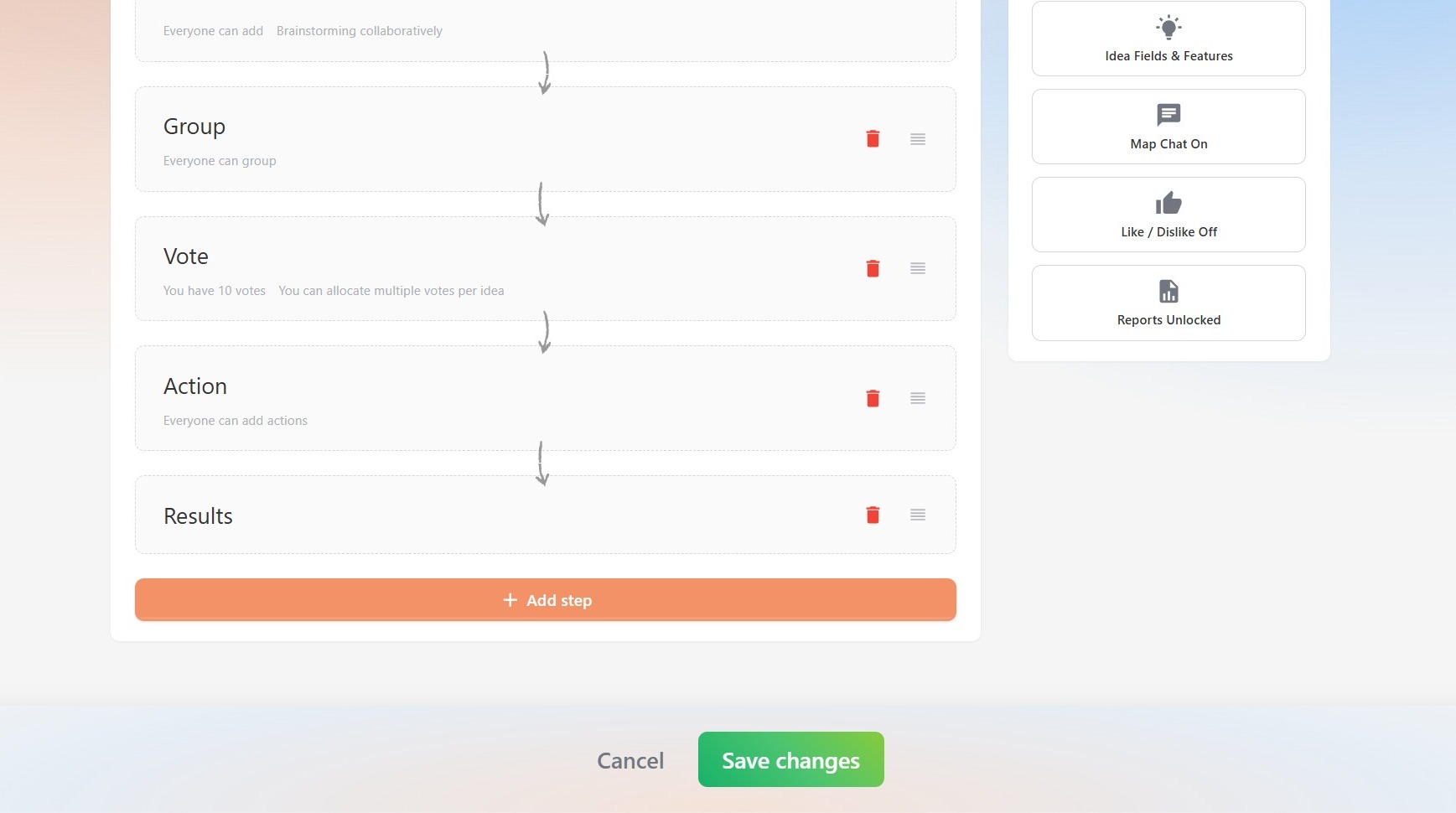
2. Under Process, click Add step.
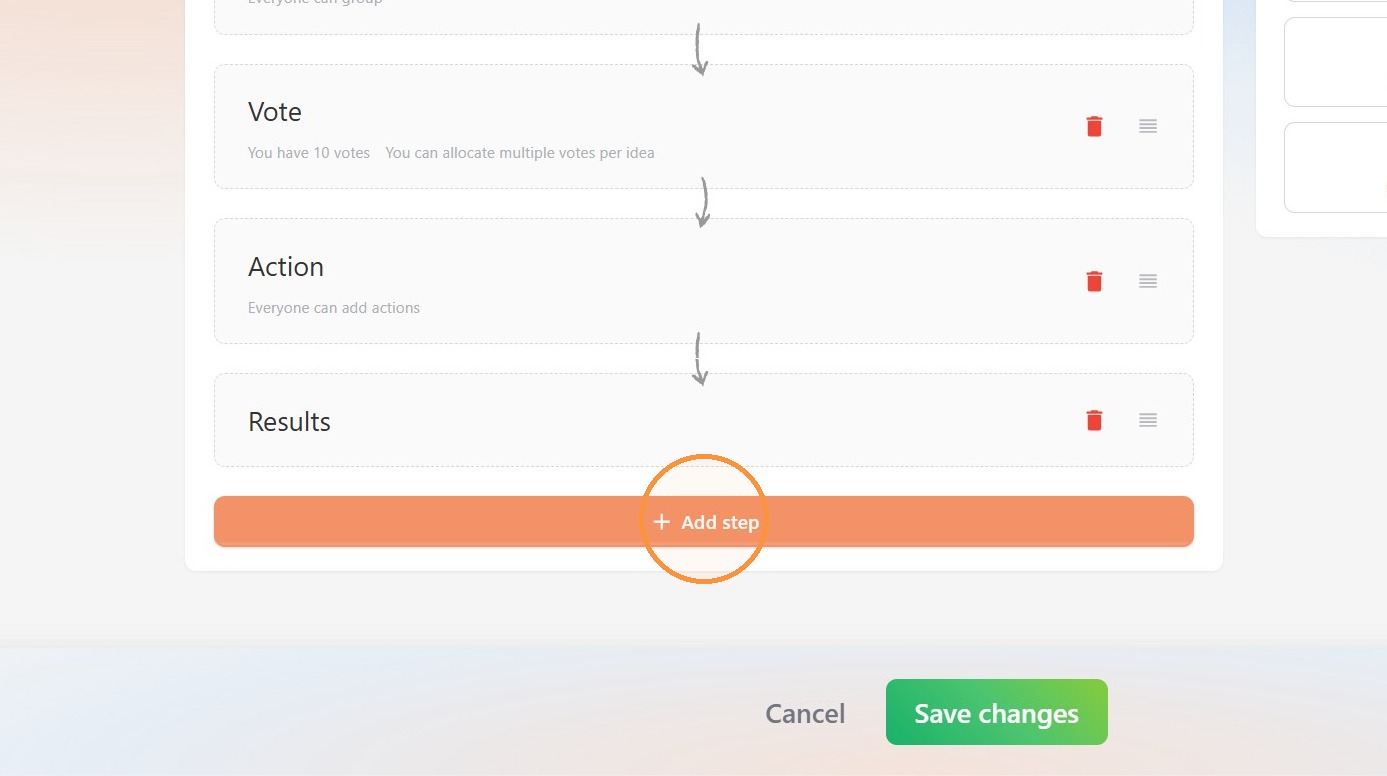
3. Select Icebreaker.
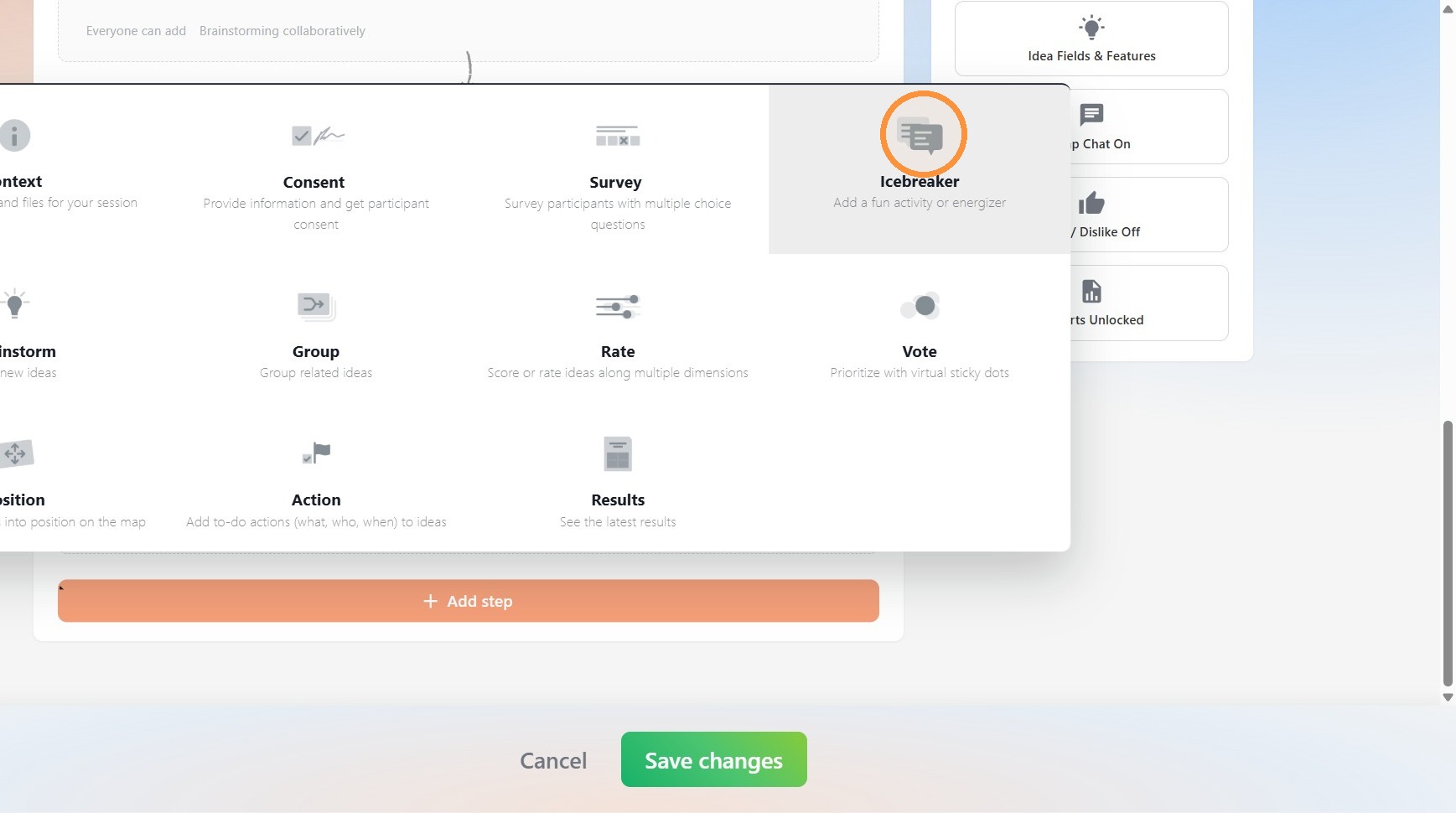
4. A menu with a selection of icebreaker games will appear. Explore the options and, when ready, select a game by clicking on it.
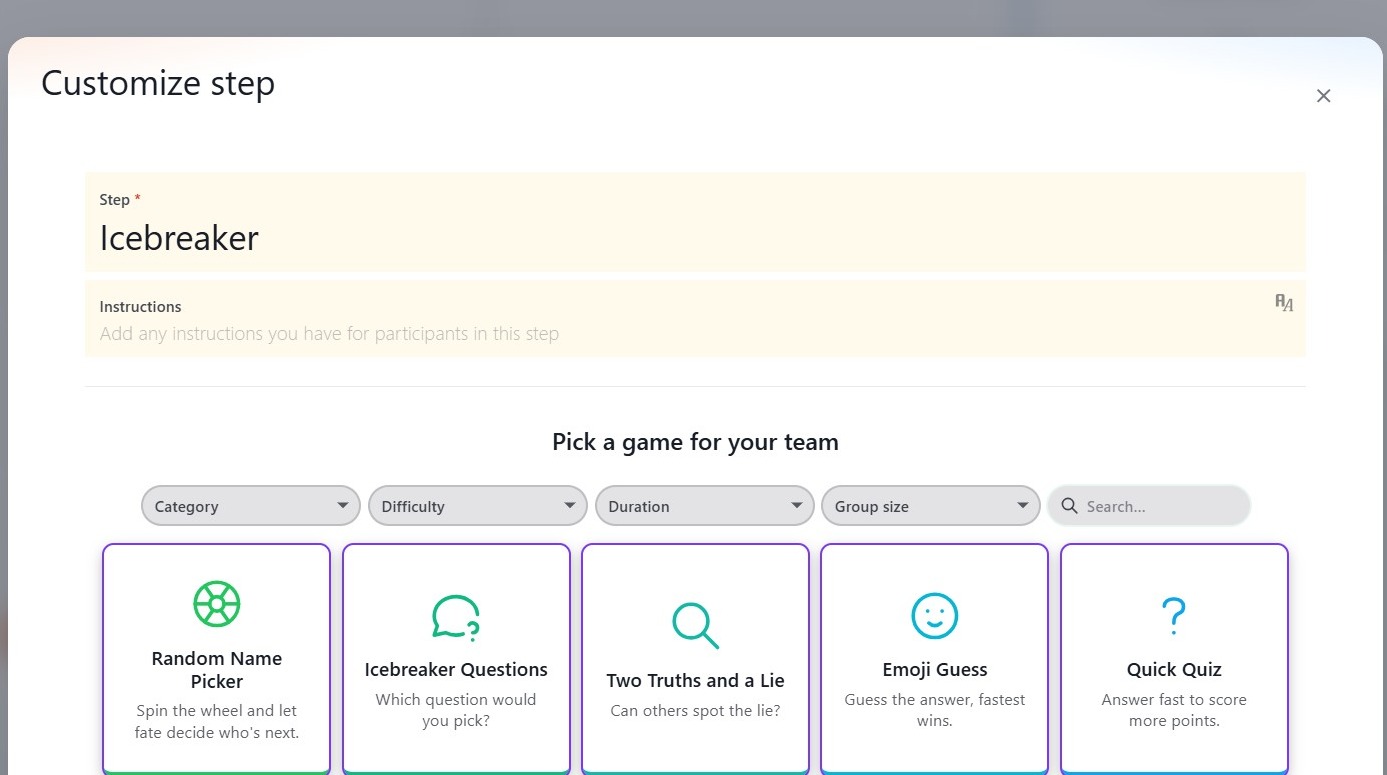
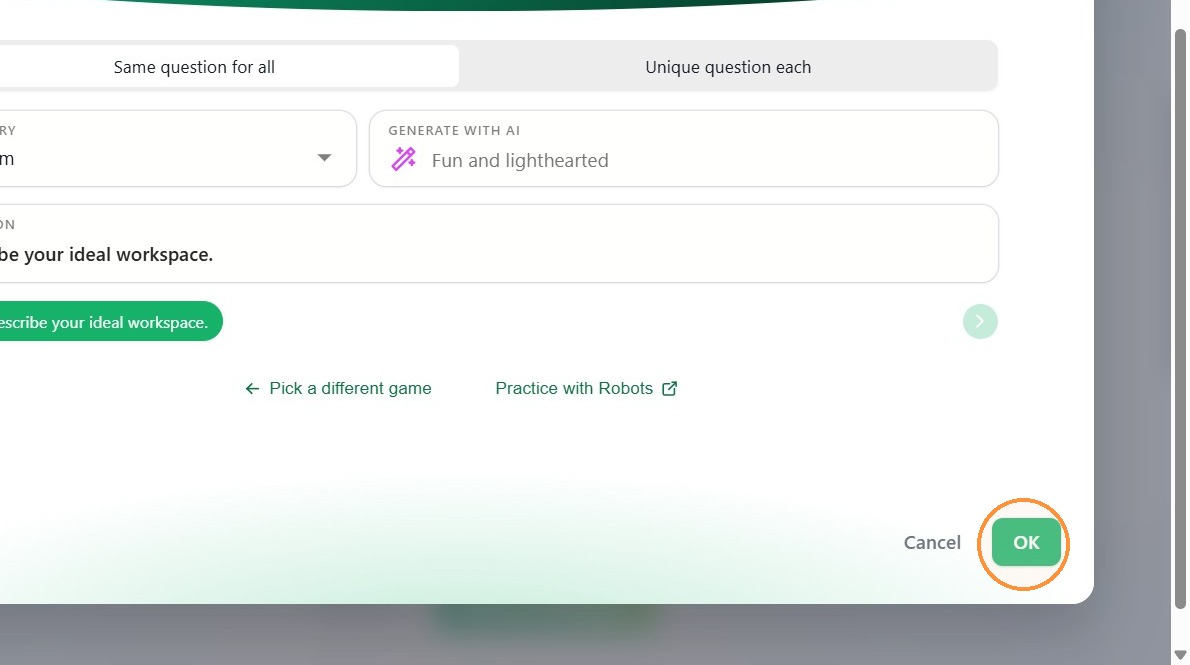
5. Selecting a game will present an overview page that tells you more about it. Most games have settings you can configure, such as pre-made or AI-generated topic categories.
If you are unsure of how a game plays, click Practice with Robots to demo the process.
If you would like to return to the game selection menu, select Pick a different game.
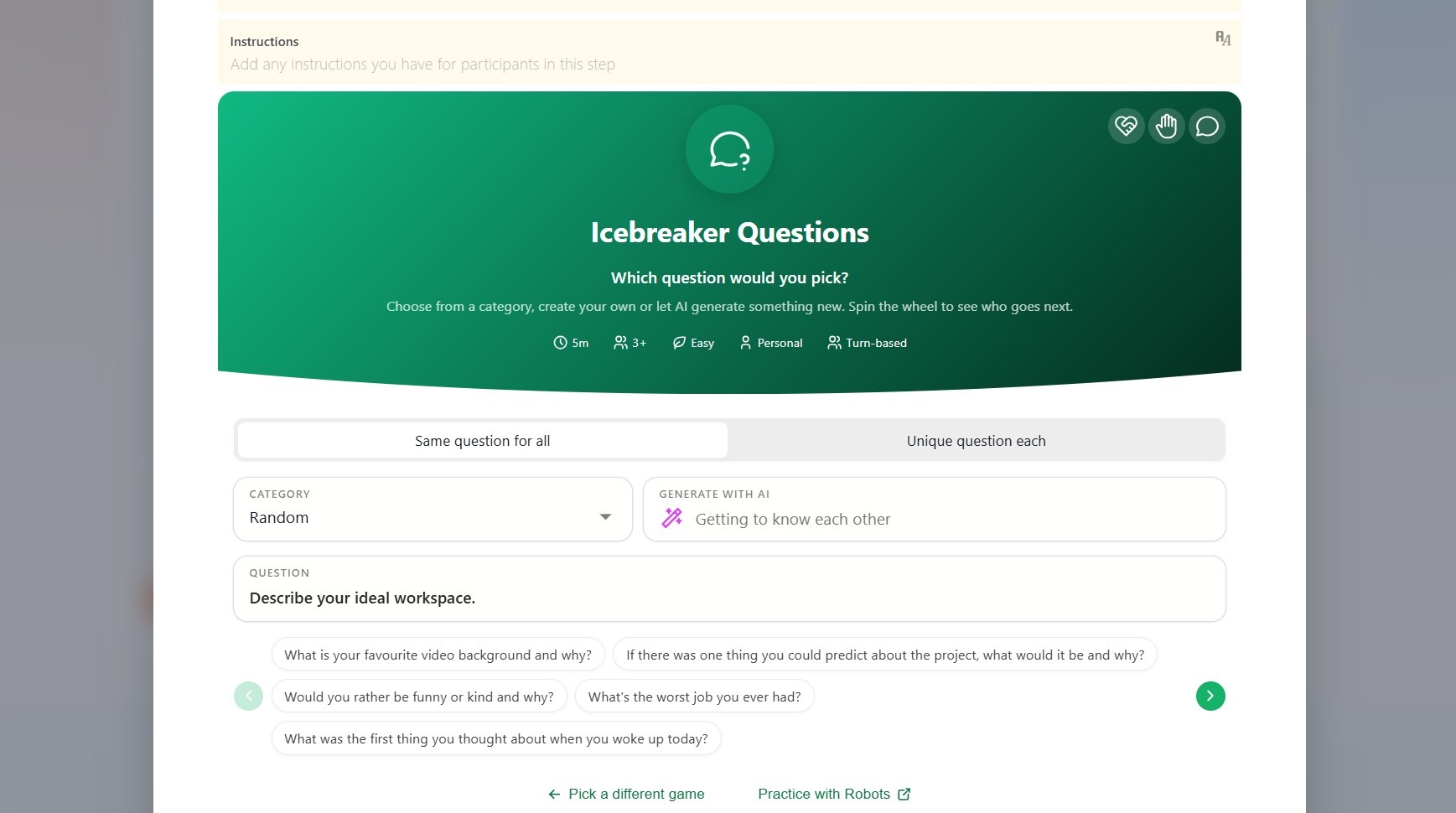

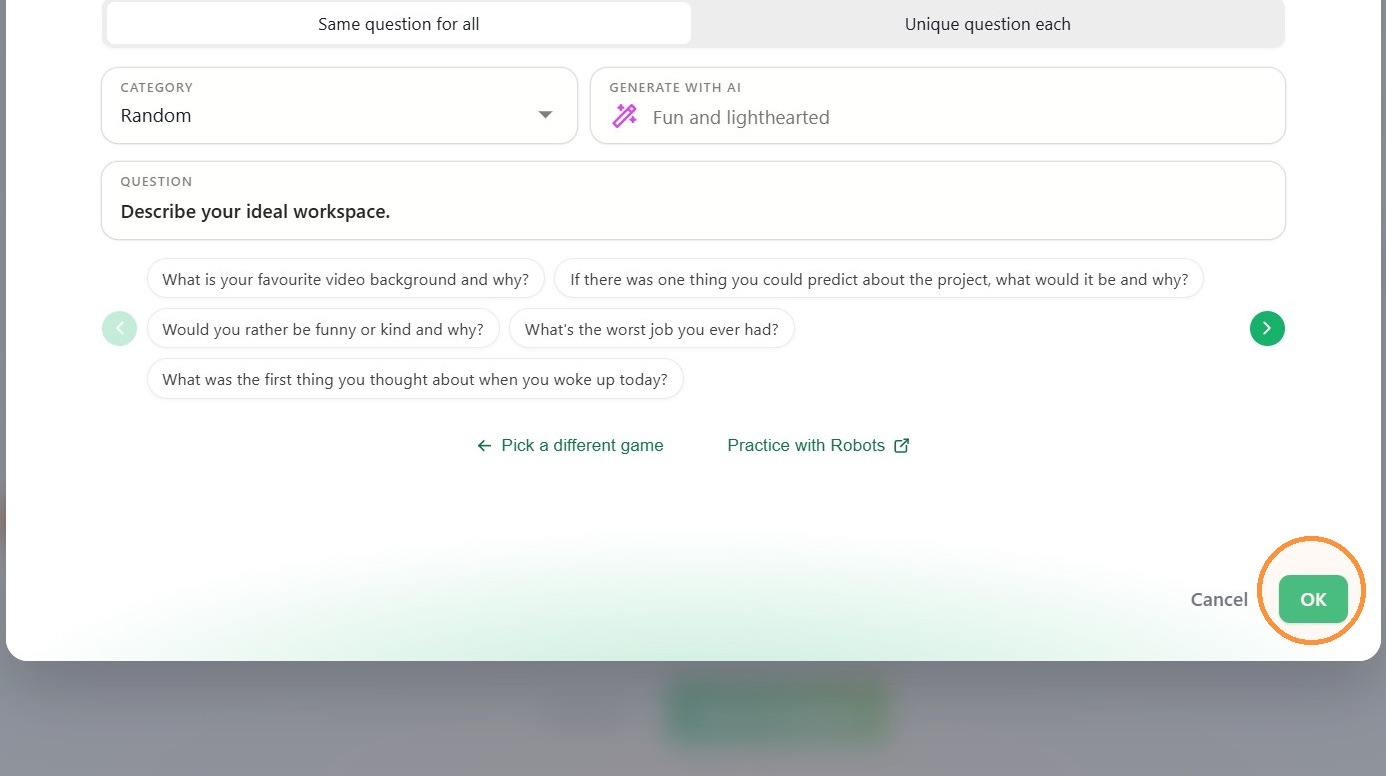
6. When ready, click OK.
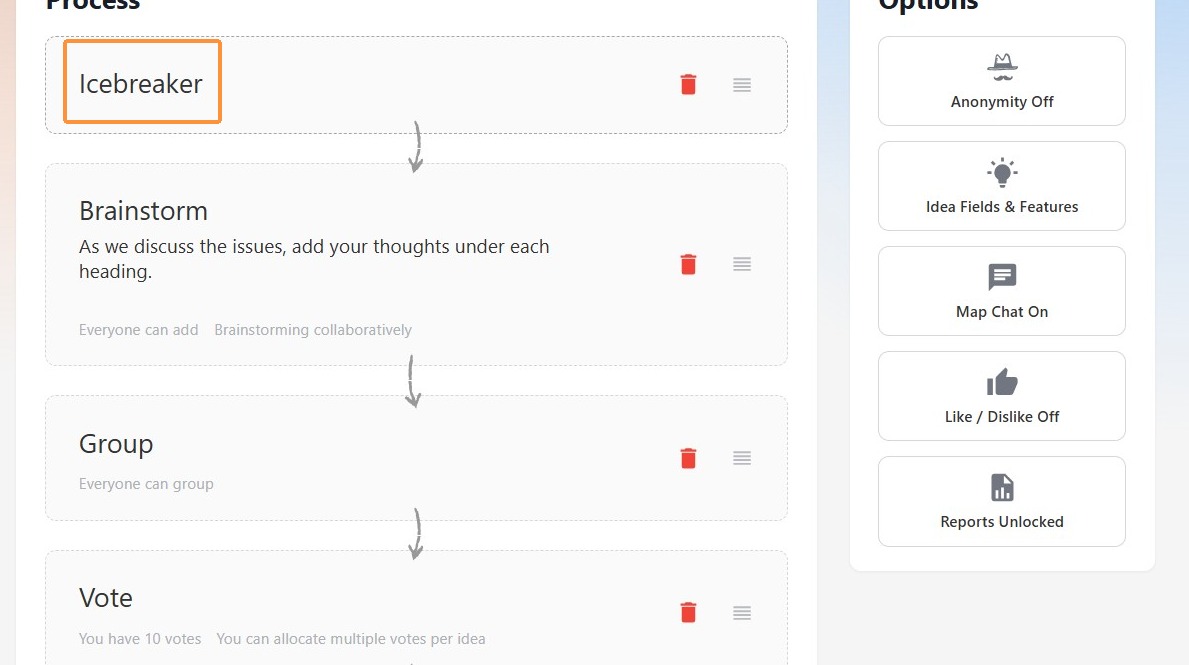
To customize an existing ICEBREAKER process step
1. Under Process, click Icebreaker to open customization settings.
2. In the customization window, change the game and/or settings as required.
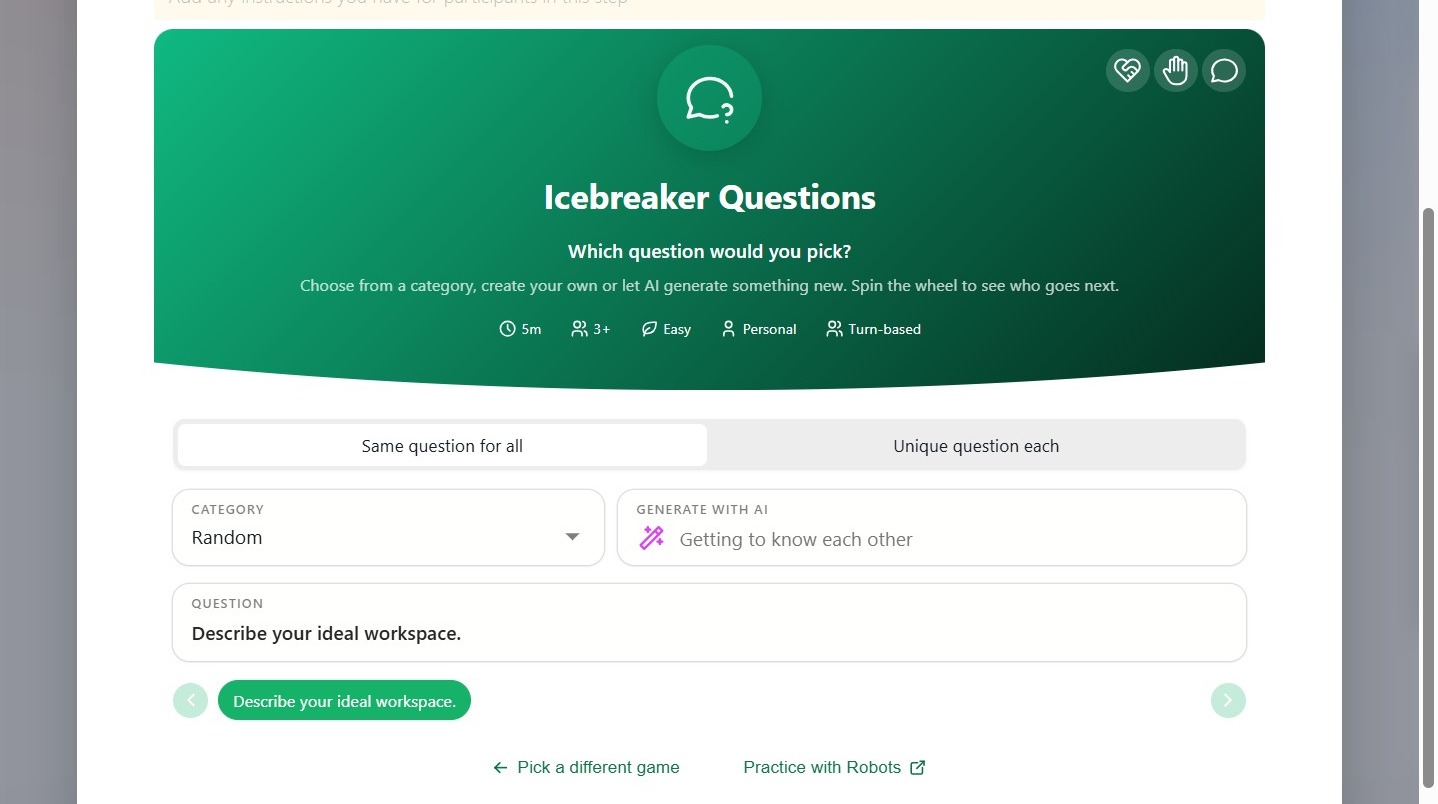
3. When ready, click OK.
To play an ICEBREAKER game
-
Open the map.
- Navigate to the Icebreaker process step.
- Familiarize yourself with the game's interface.
To view a game's instructions, click the Help icon (top right) to open the instructions panel.

