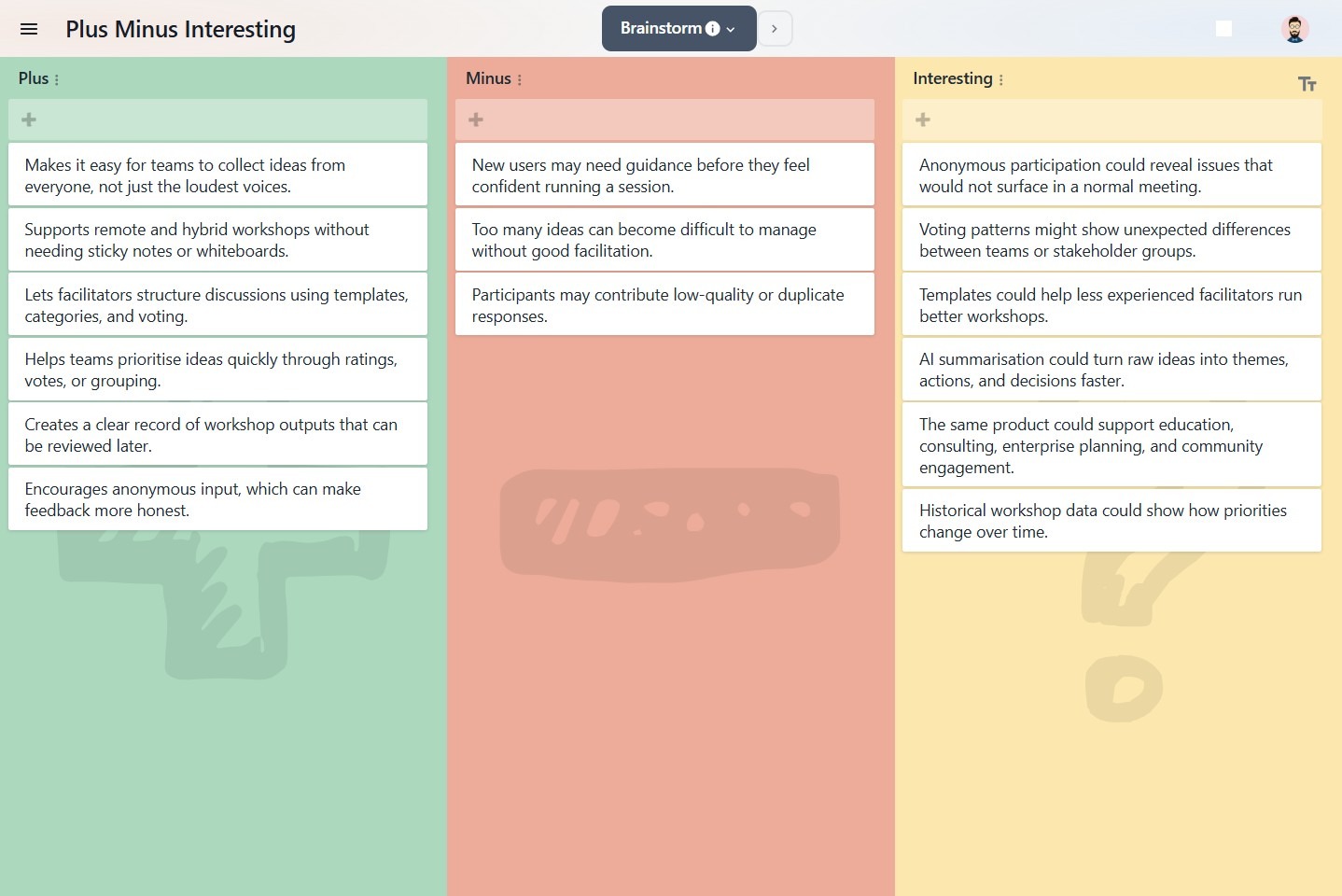
Expanding a list
To expand a list
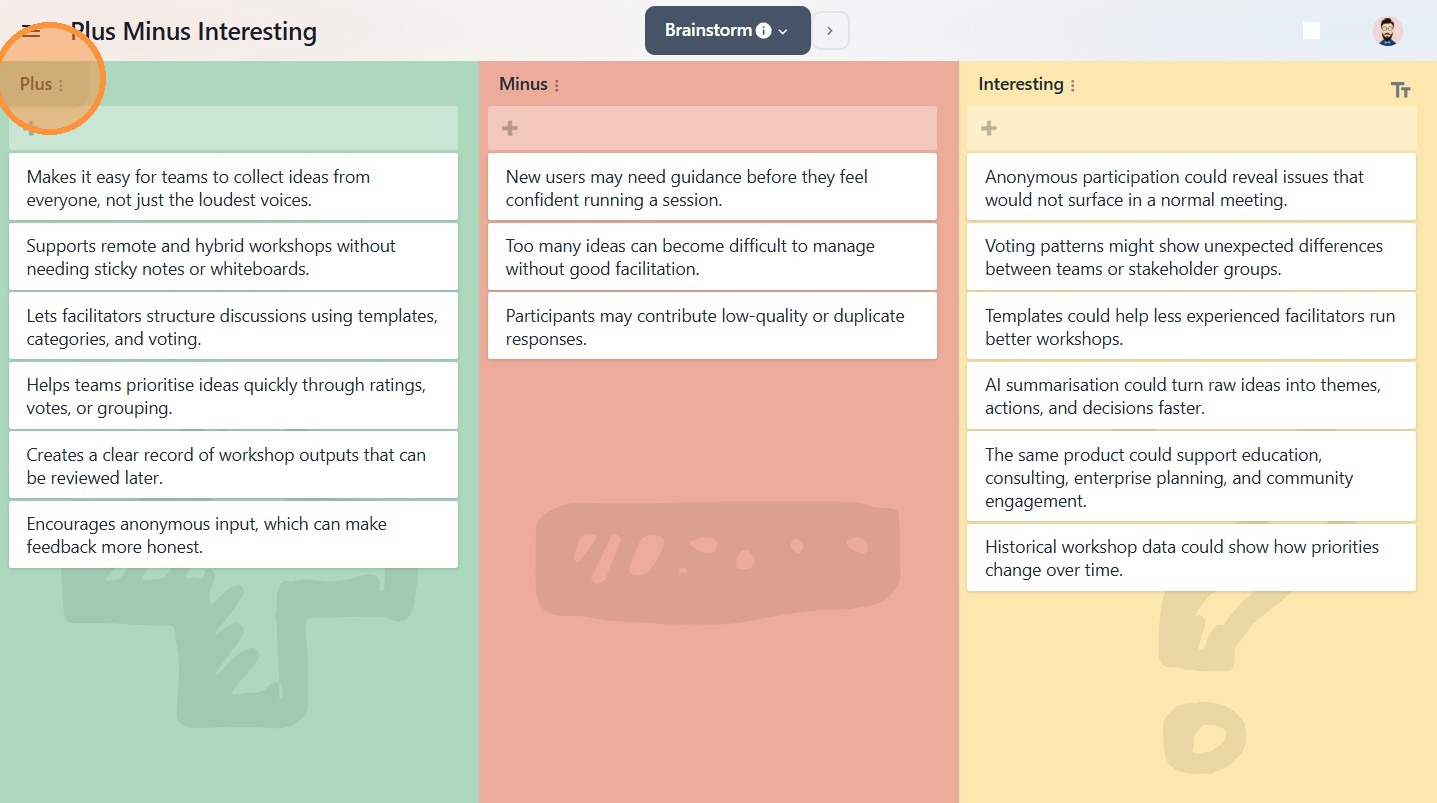
1. Click on the desired list's name.
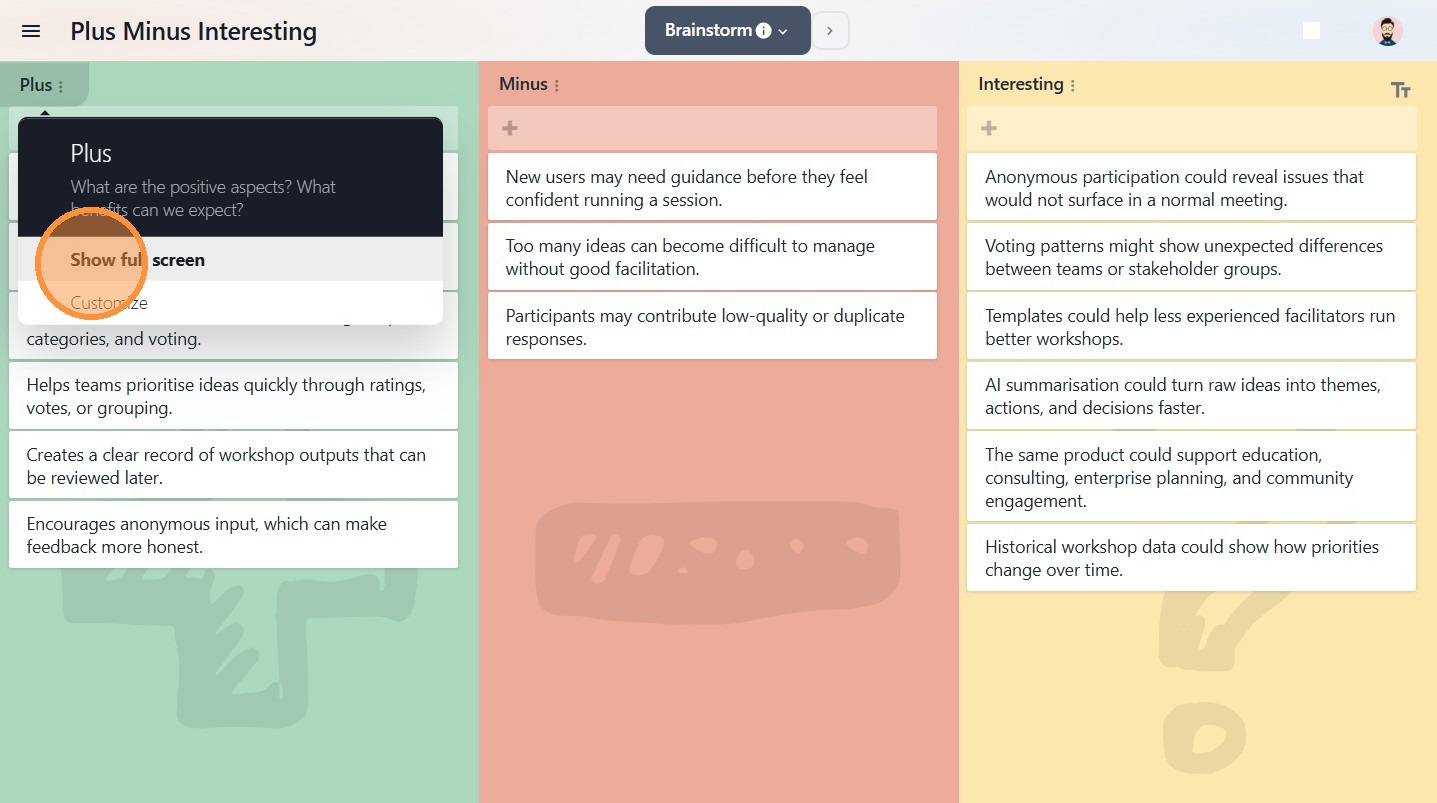
2. Click Show full screen.
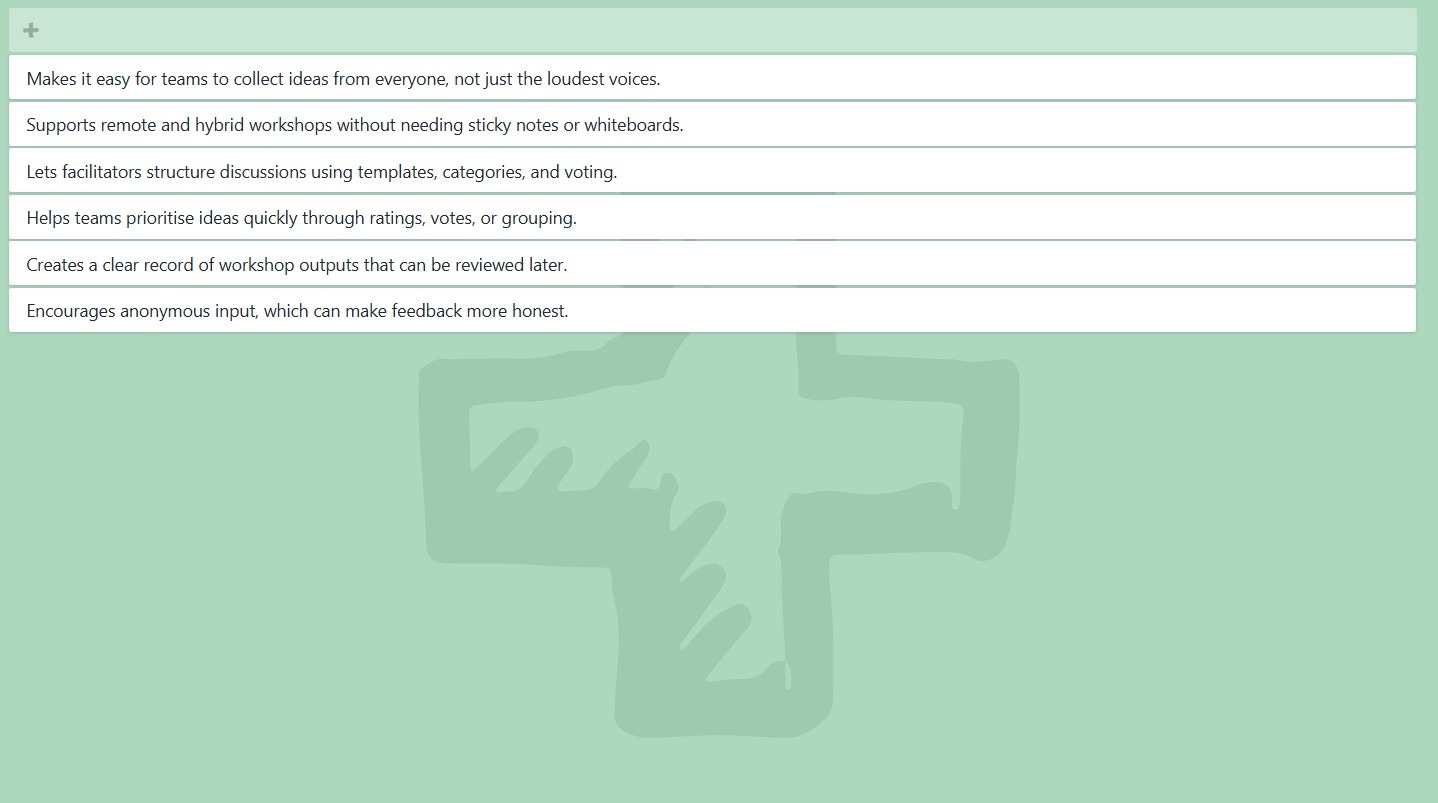
3. The selected list will now be displayed in full-screen.
To collapse a list
1. On the desired list, click on the back arrow (top left).
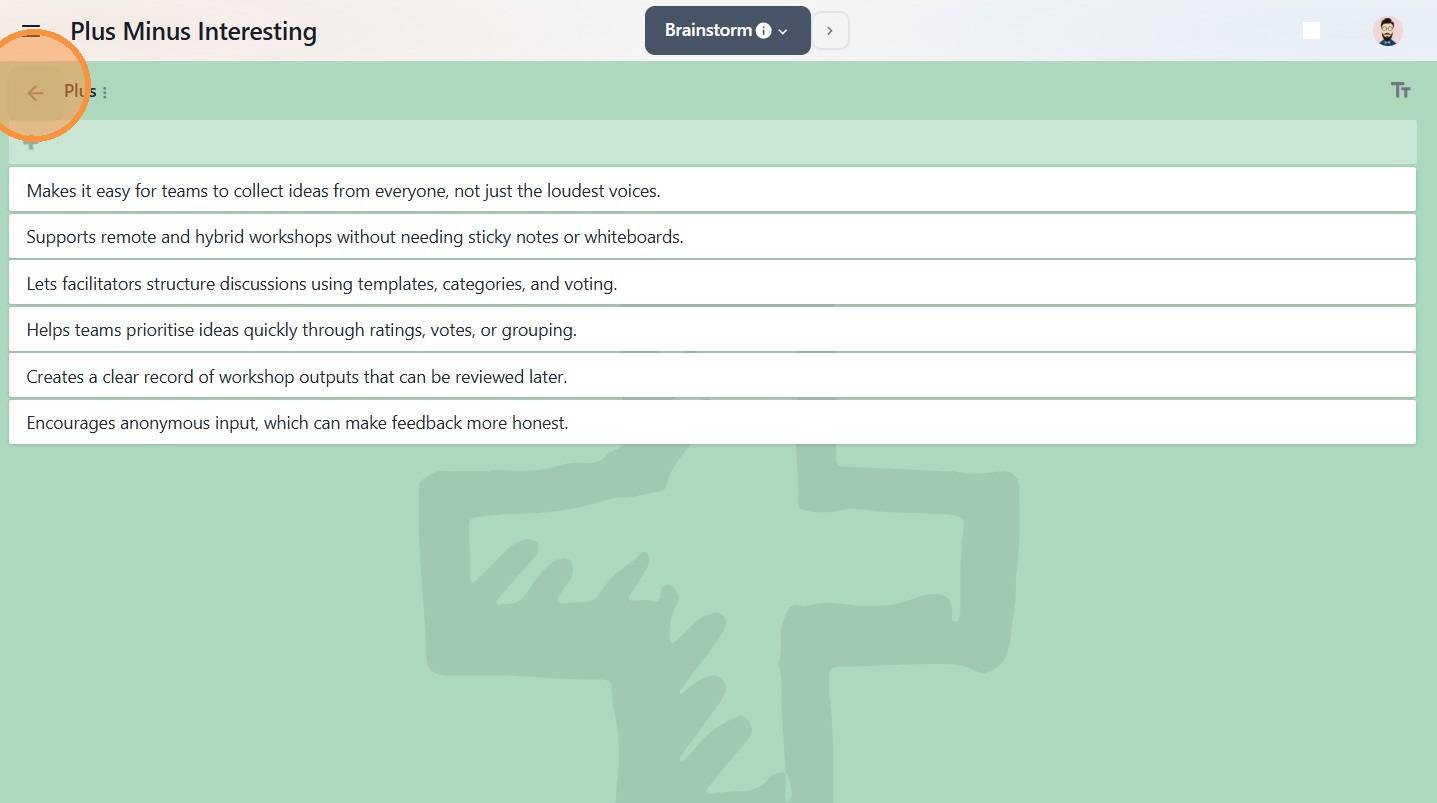
2. Your list will return to its original position.