
Enable or disable likes
You must be a Facilitator to enable or disable this feature.
1. Open the map customization page (see Customize your map).

2. Under Options, click Like / Dislike.

3. In the Like / Dislike window, choose Off, Like or Like or Dislike.
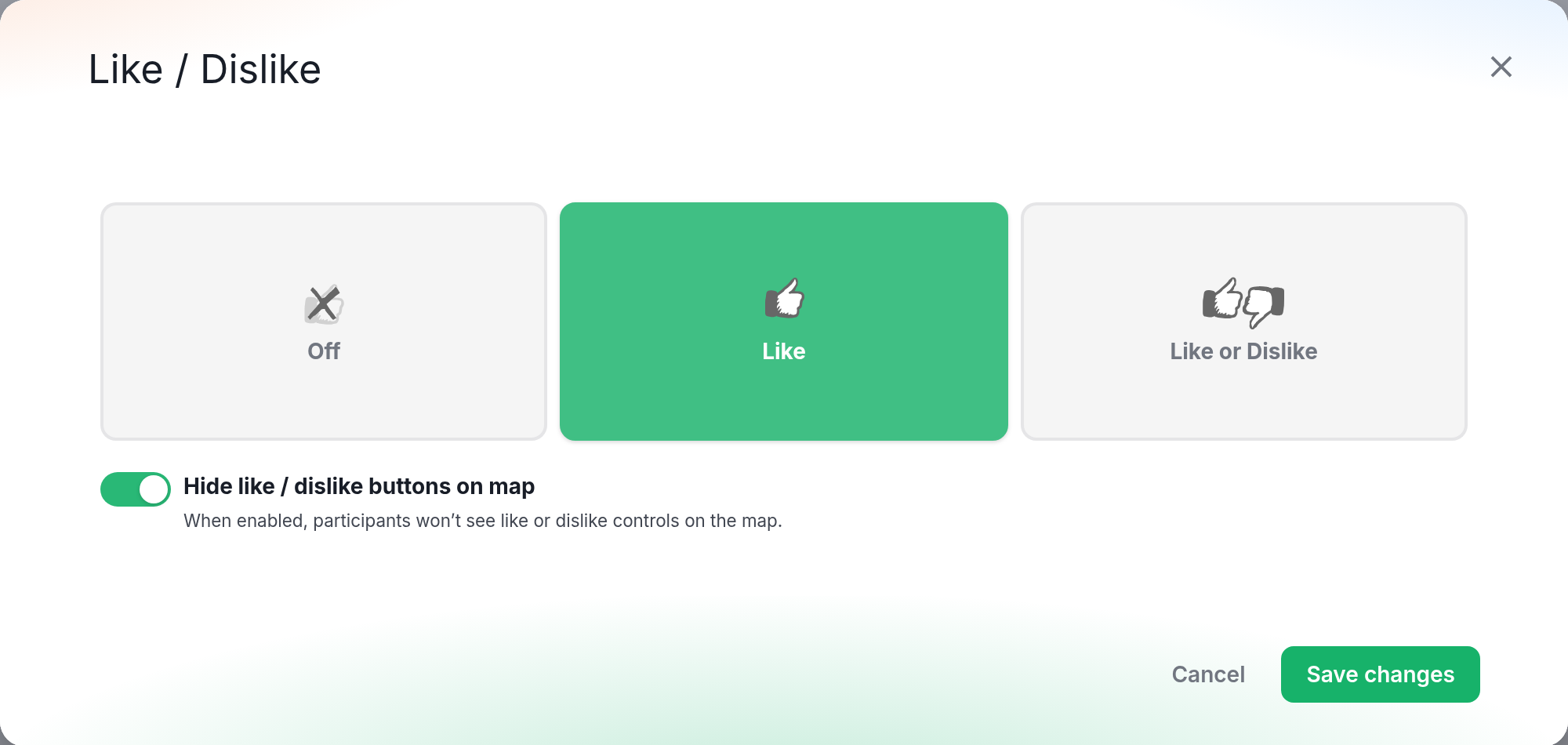
4. To keep likes but hide the buttons, toggle Hide like / dislike buttons on map on. It appears once you choose Like or Like or Dislike. Participants then won't see like or dislike buttons on the map.
5. When ready, click Save changes.
This setting applies to every step in the map.