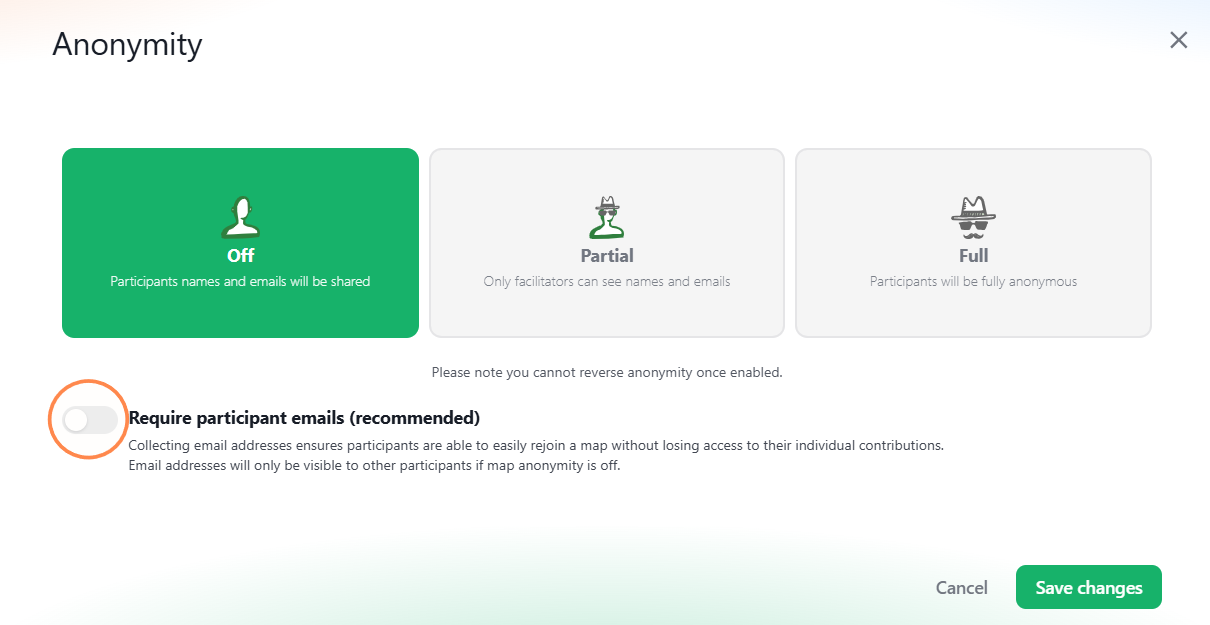
Enable or disable email logins
Note: Turning this off means that no email link can be sent to them to rejoin a map. If they exit the map or close their browser window and rejoin at a later stage, they may be treated as a new participant. They may also not see any of their previous data.
This also means that participants cannot be verified and that anyone with a map invite will be able to access your map and its data.
You can disable the need for participants to provide their email to join a map.
i.e. No verification process.
To manage email logins
-
Open the map customization page (see Customize your map).
-
Scroll down to Anonymity.
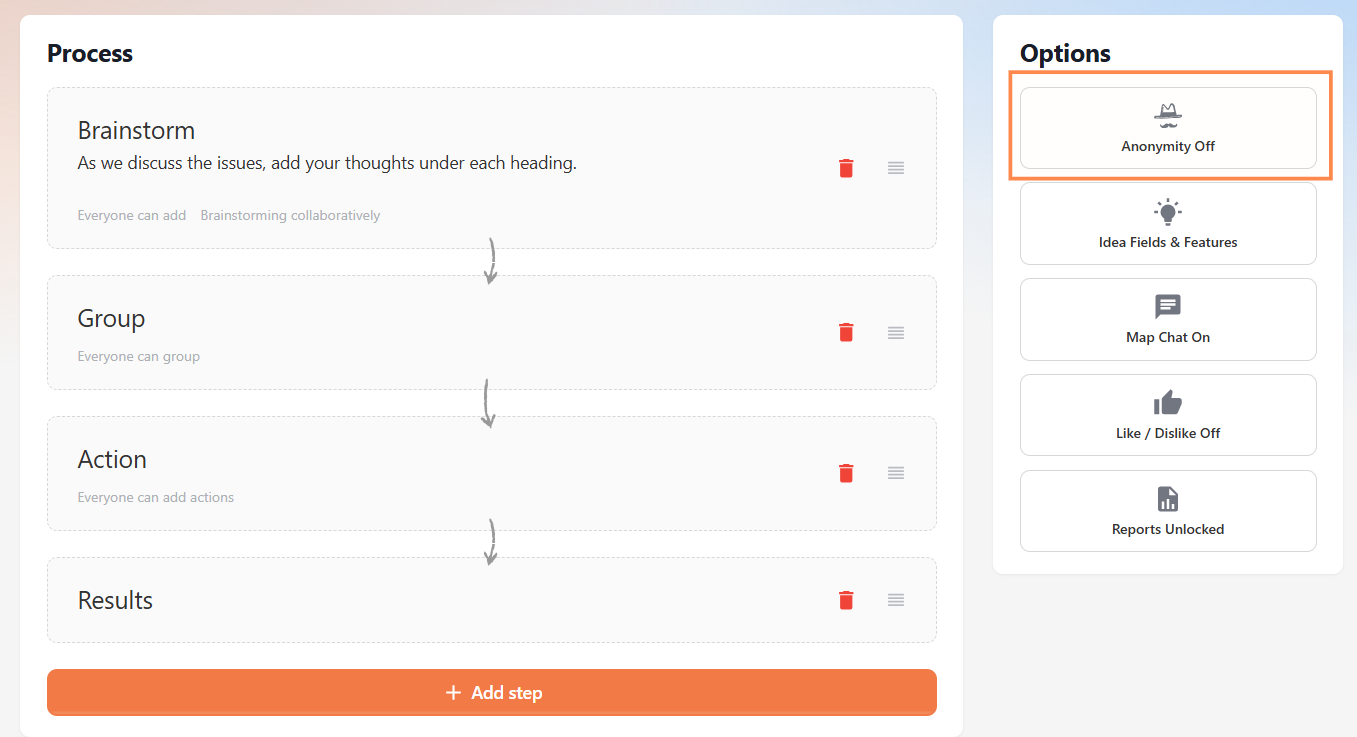
- Toggle Require participant emails to Off.